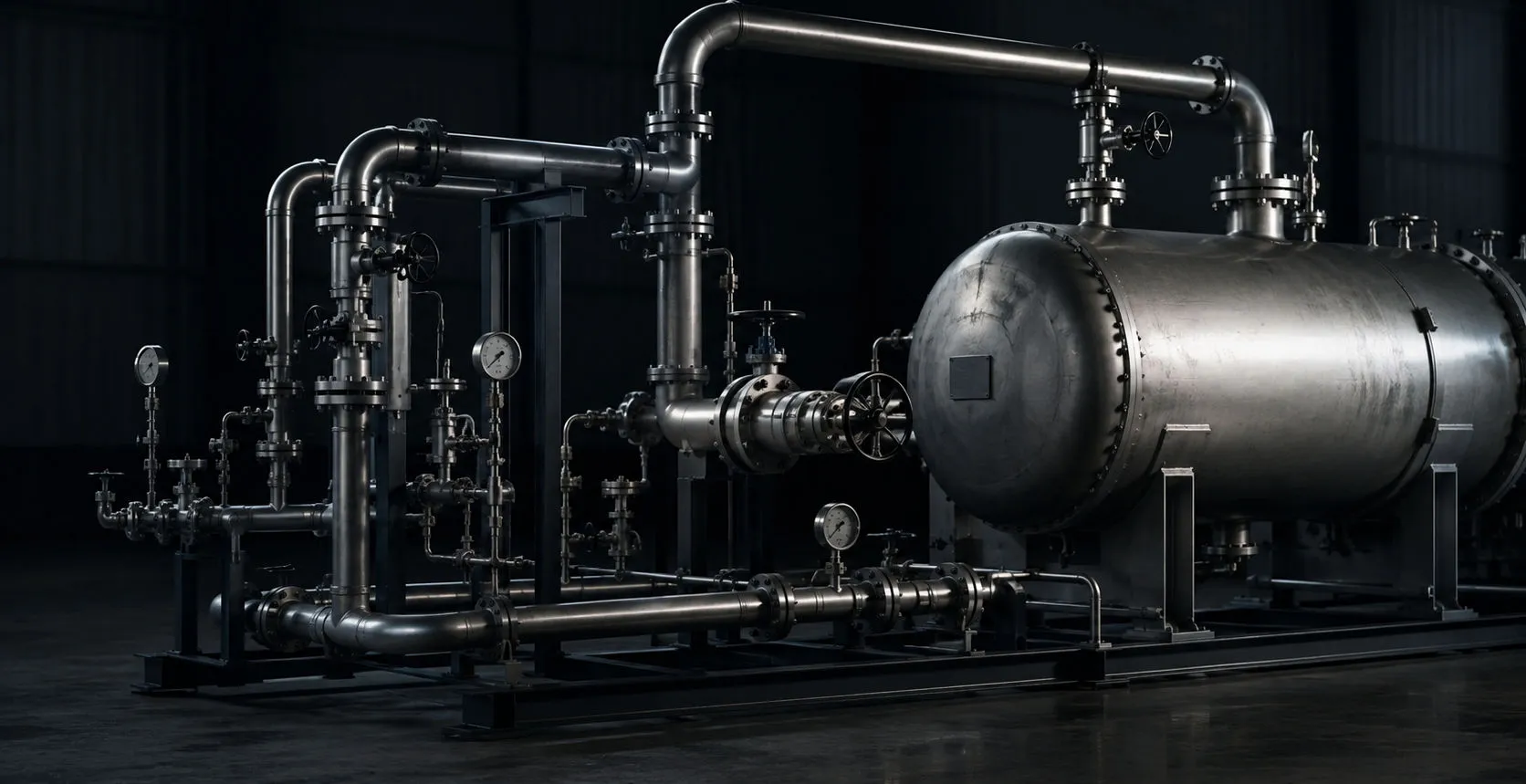
Industrial piping and pressure equipment in a mechanical integrity inspection environment

C-Scan / Corrosion Mapping

C-Scan & AUT Corrosion Mapping Software

C-Scan / Corrosion Mapping software for AUT and HydroFORM data, encoded scan stitching, indication sizing, minimum wall review, corrosion profiles, ILI correlation, visualization, and report-ready outputs.

01

HydroFORM Reporting Workflow

  • HydroFORM and encoded C-Scan data import
  • AUT corrosion mapping workflow
  • High-speed scan stitching and alignment
  • Automated indication detection and sizing
  • Interactive C-Scan visualization tools
  • ILI correlation and feature linking
  • Minimum wall thickness and corrosion profile review
  • Report-ready encoded scan outputs
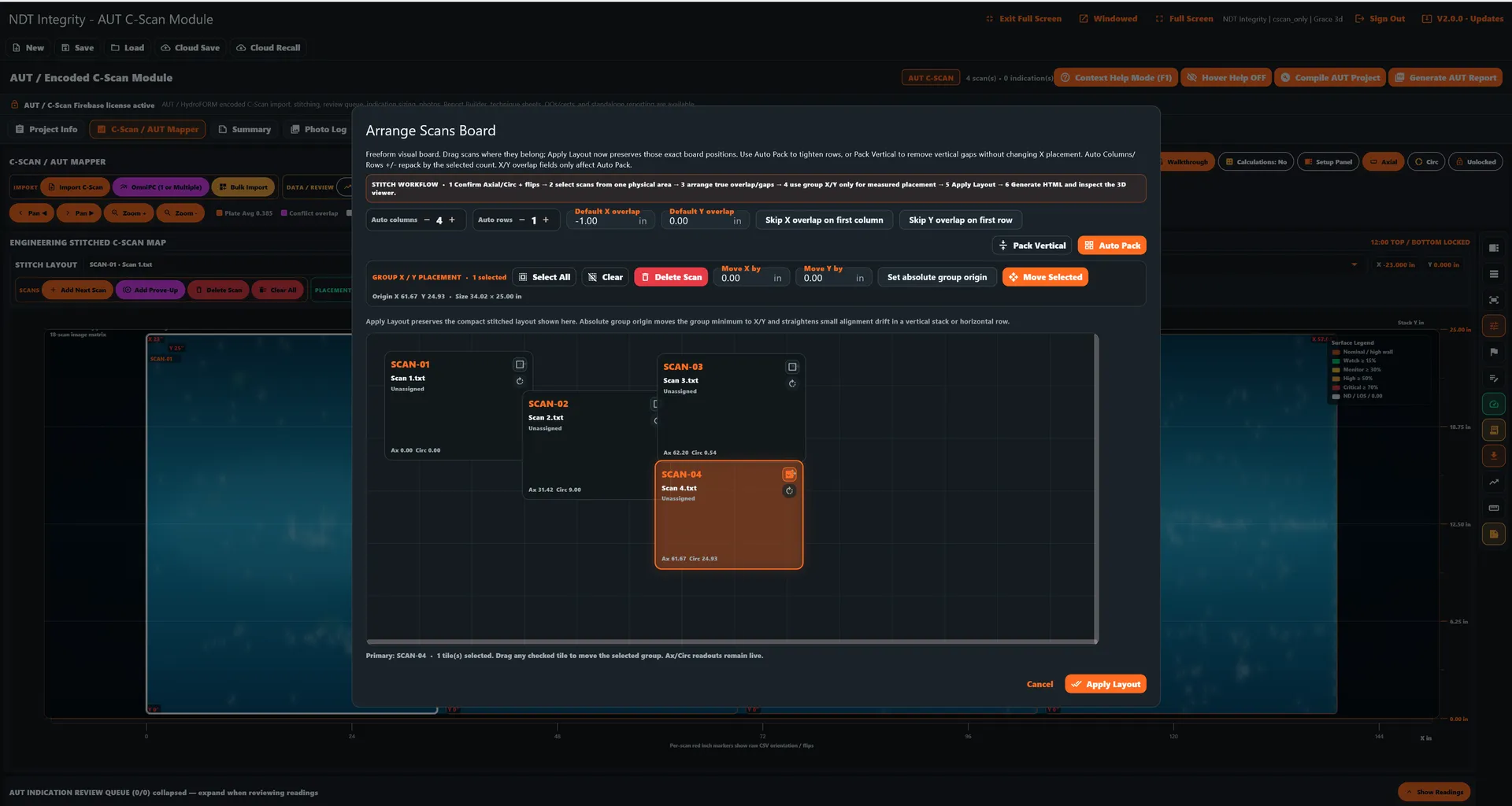
Arrange Scans Board dialog over an engineering stitched C-scan map, showing stitch workflow controls, auto columns and rows, overlap settings, scan tiles SCAN-01 through SCAN-04, XY placement fields, Move X/Y, Move Selected, Apply Layout, and the surface legend

ARRANGE SCANS BOARD

02

How C-Scan Data Supports Pipeline Dig Verification

  • Corrosion analysis support
  • ILI feature correlation and dig evidence linking
  • Assessment grid extraction and linking
  • Indication sizing and minimum-wall review
  • Interactive HTML scan deliverables
  • Professional encoded scan reporting
  • Real-time indication review and tracking
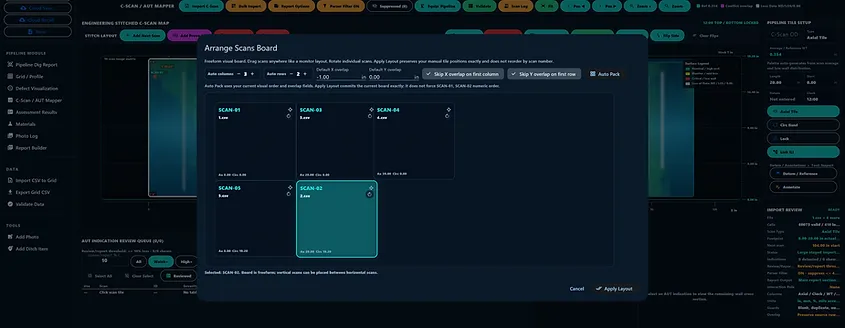
C-scan tile arrangement and comparison view
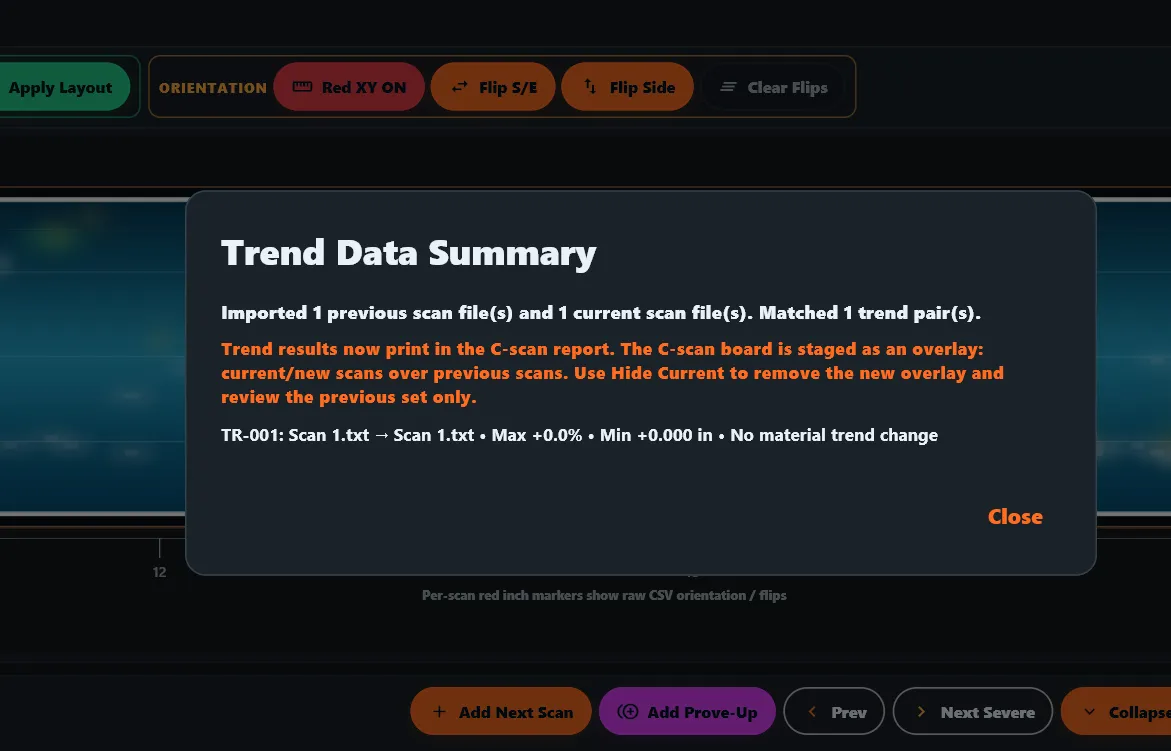
Trend Data Summary showing previous-versus-current C-scan comparison, overlay staging on the board, and orientation controls

SCAN TRENDING / COMPARISON

03

How Scan Stitching Improves Large-Area Corrosion Assessment

  • Automated C-Scan data organization
  • AUT scan set import and review workflow
  • Previous-to-current scan overlay comparison
  • Interactive indication queue and review tools
  • Scan interaction rule evaluation
  • Linked indication measurements and notes
  • Trend overlay for growth and change tracking
  • Current vs previous scan reporting options
  • Report-ready C-Scan indication tables
  • Overlay-only and full scan set report modes
  • Watch / ignored indication traceability
  • Grid-based scan data and cross-section review
  • Professional C-Scan / AUT report sections
  • Designed specifically for corrosion mapping and AUT inspection workflows
AUT indication review queue with severity-filtered indications, actual readings grid, and selected indication remaining-wall cross section

AUT INDICATION REVIEW QUEUE

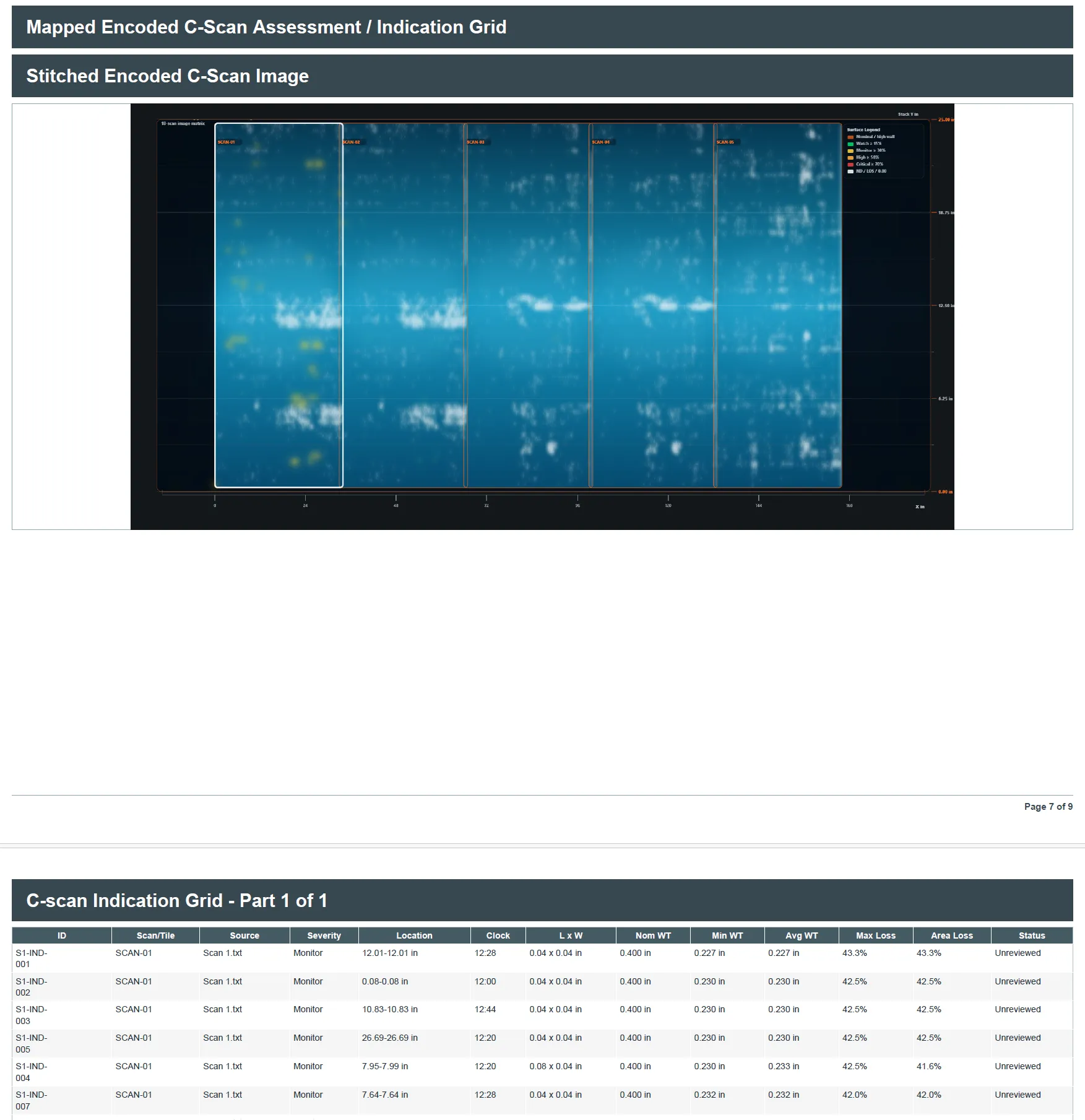
Mapped Encoded C-Scan Assessment / Indication Grid report page with a stitched encoded C-scan image across four scan columns, surface legend, XL in and Y in axes, and an indication grid table with wall-thickness and wall-loss columns for seven unreviewed monitor indications

C-SCAN ASSESSMENT / INDICATION GRID

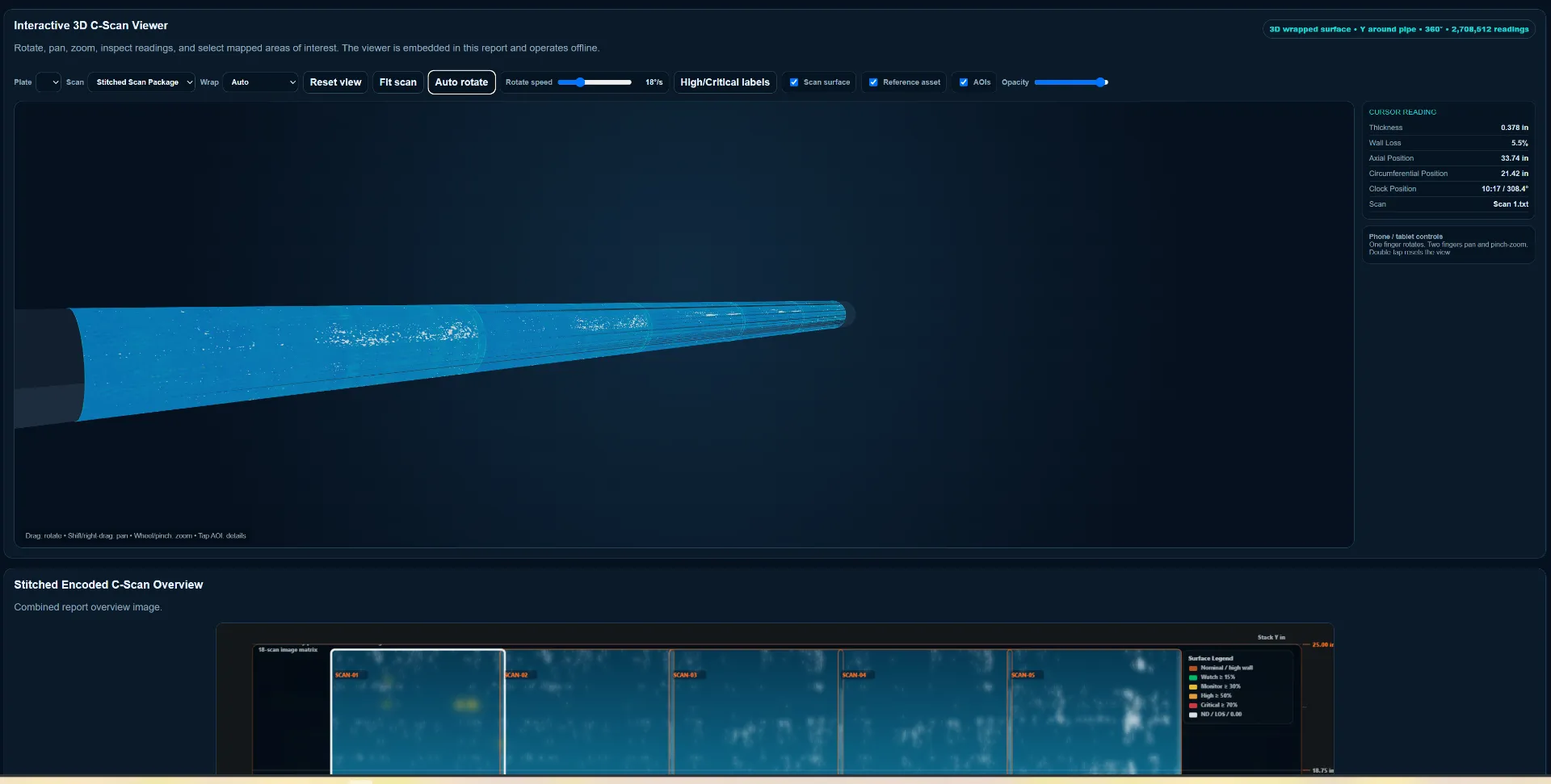
Offline 3D wrapped-pipe viewer with the encoded C-scan surface and cursor reading panel
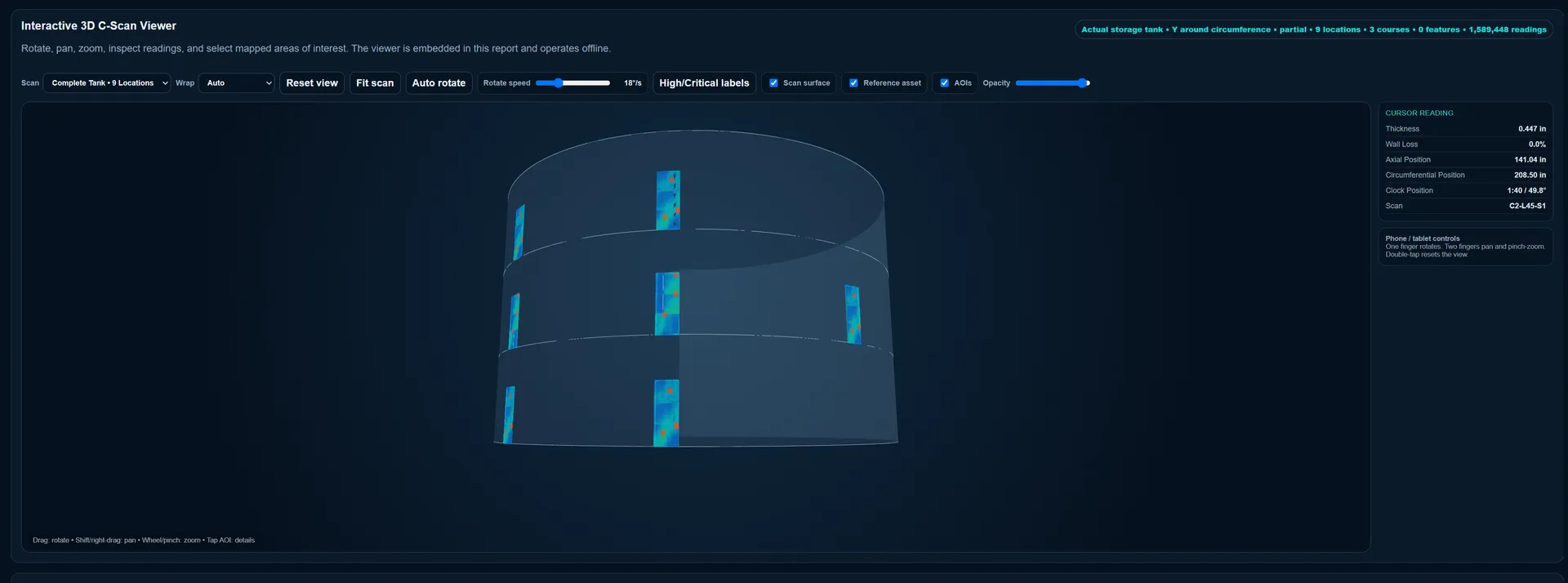
Offline 3D tank viewer with encoded scan patches mapped across the courses and a cursor reading panel

INTERACTIVE 3D C-SCAN VIEWER

04

AUT Corrosion Mapping vs Conventional UT Grid Inspection

  • Encoded AUT data preserves scan position across a mapped surface
  • Conventional UT grids record selected measurement points and spacing
  • Use the method and coverage appropriate to the inspection scope
  • Compare indications, minimum wall, profile shape, and historical evidence where available
  • Qualified personnel review calibration, scan quality, geometry, and limitations before final issue

Connected to the rest of the workflow

From field evidence to a finished deliverable.

Request a demo